


A couple of years ago, I wrote about practical ways to use your phone’s camera. I had scoured the internet for hours and ended up with a list of 50 useful and creative ideas — an exhaustive list, or at least that’s what I thought at the time!
But boy, was I wrong. In the following weeks and months, you guys packed the comments section of that post with brilliant and creative ideas of your own. And that is where the idea for today’s post was born!
Today I’ll be sharing a brand new list of practical uses for your phone’s camera, made up of some of my favorite comments from the original post! Each tip is accompanied by the name of the OGT reader who shared it, so I hope you’ll join me in thanking all 11 of them for sharing their clever ideas with us! :-)
Related: These Are The Best Ways To Stay In Touch While Social Distancing
11 More Brilliant Ways To Use Your Smartphone Camera

1. Remember What You Packed
Before you start packing for your next trip, lay out everything you’re going to pack and snap a picture of it. In the event that your suitcase gets lost in transit, you can use the photo as a record of what you lost when you fill out an insurance claim.
Tip submitted by Sunny

2. Inventory Your Craft Supplies
Snap a photo of your entire collection of craft or hobby supplies. Then when you’re out shopping for new supplies, you can simply pull up the photo to verify if you do or don’t already have something at home!
Tip submitted by Sandra
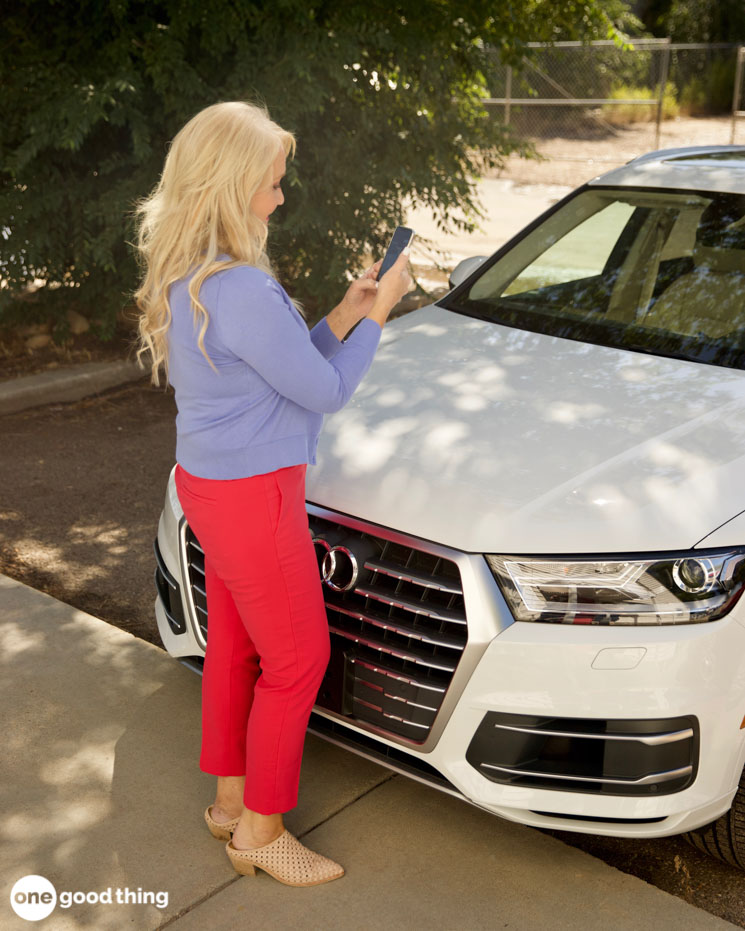
3. Remember Where You Parked
Big, multi-level parking garages can make impossible to remember where you parked! So before you leave your car, snap a picture of its location and any locational signs, numbers, or letters that can help you find your way back.
It only takes a couple of extra seconds to do, and it will save you a ton of time when it’s time to find your car!
Tip submitted by Carol
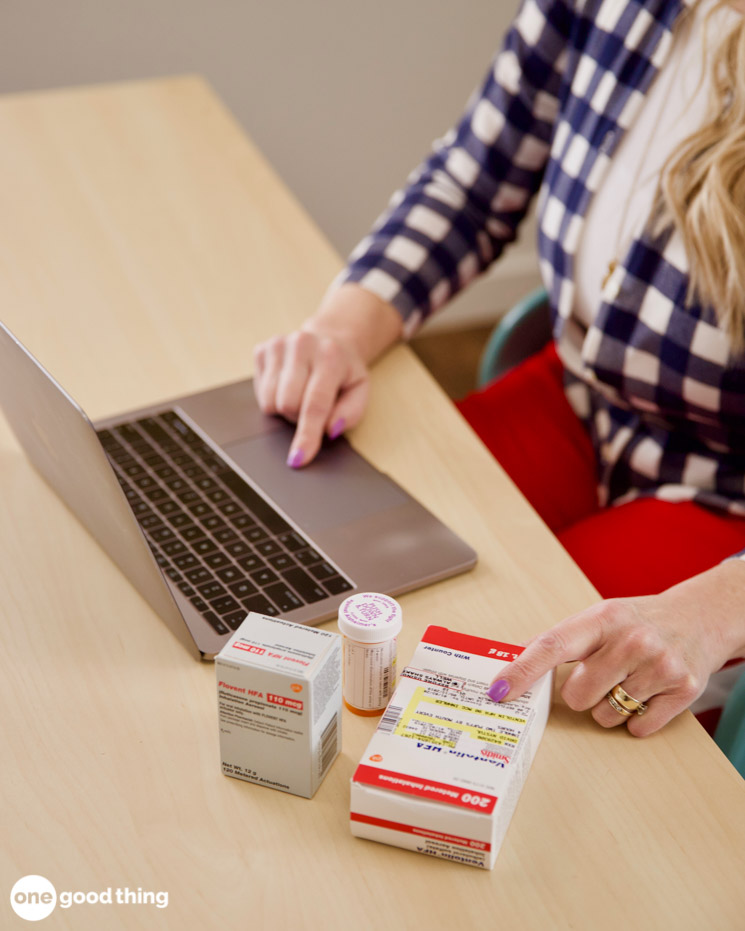
4. Keep Track Of Medical Information
Every hospital, doctor’s office, and clinic is different, and it’s hard to anticipate what kind of information they may ask you for during your visit. Be prepared for any questions by making a list of medications you take, dosage information, doctors you’ve seen, and their contact information.
Then just snap a picture of the list so that it’s always handy on your phone!
Tip submitted by Sandra
More Ideas You'll Love


5. Get Your Security Deposit Back
Renters know how frustrating it can be to try and get your security deposit back after you move out. But you can use your smartphone camera to make it much easier!
Take photos of the condition of a place before you move in, and take photos of it again when you move out. Those photos may come in handy in case of any disagreements about damage to the property.
Tip submitted by Mogie
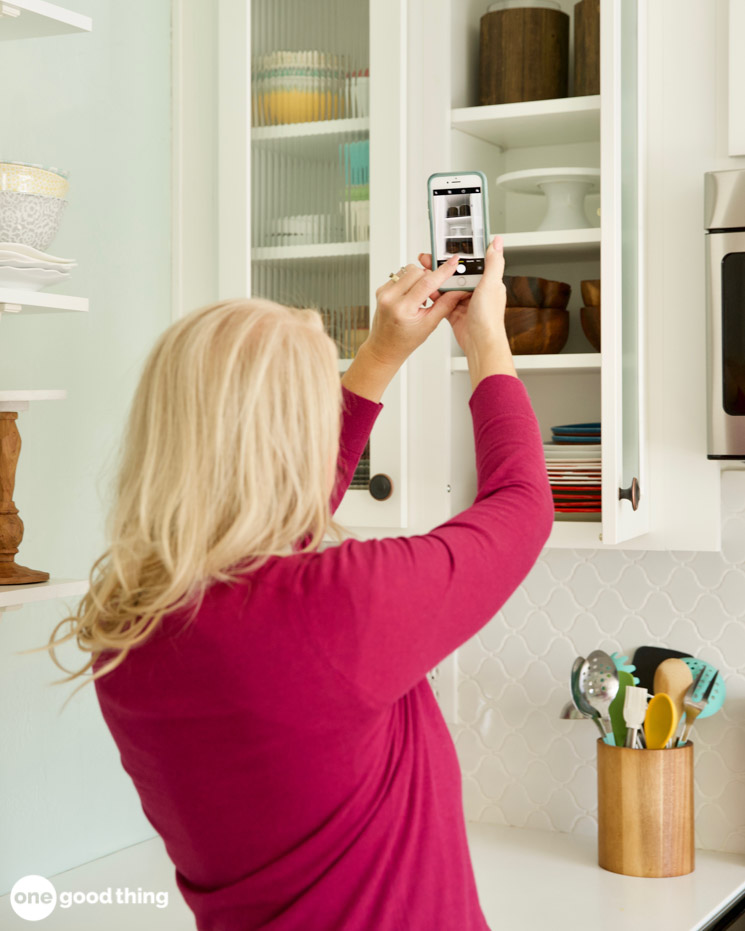
6. Scope Out High Shelves
Can’t reach a high shelf and don’t have anyone around to ask for help? Just grab your smartphone! Hold the phone above your head and take a photo or video of the shelf.
That way, at least you can tell if the thing you’re looking for is on the shelf before you start reaching for it! :-)
Tip submitted by Slim Tim
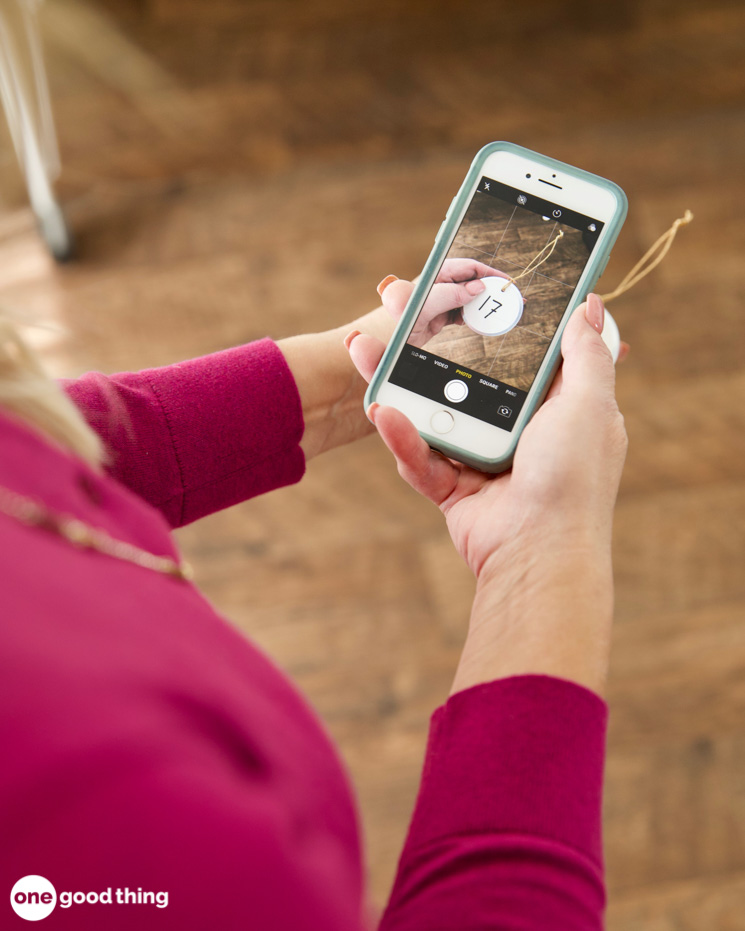
7. Avoid A Claim Check Catastrophe
Those little slips of paper they give you at coat checks, luggage storage, and valet parking are notoriously easy to lose! As soon as you get a claim check slip, snap a quick photo of it.
In the event that your claim check goes missing, you can at least show that photo to someone to prove you had it.
Tip submitted by Robyn
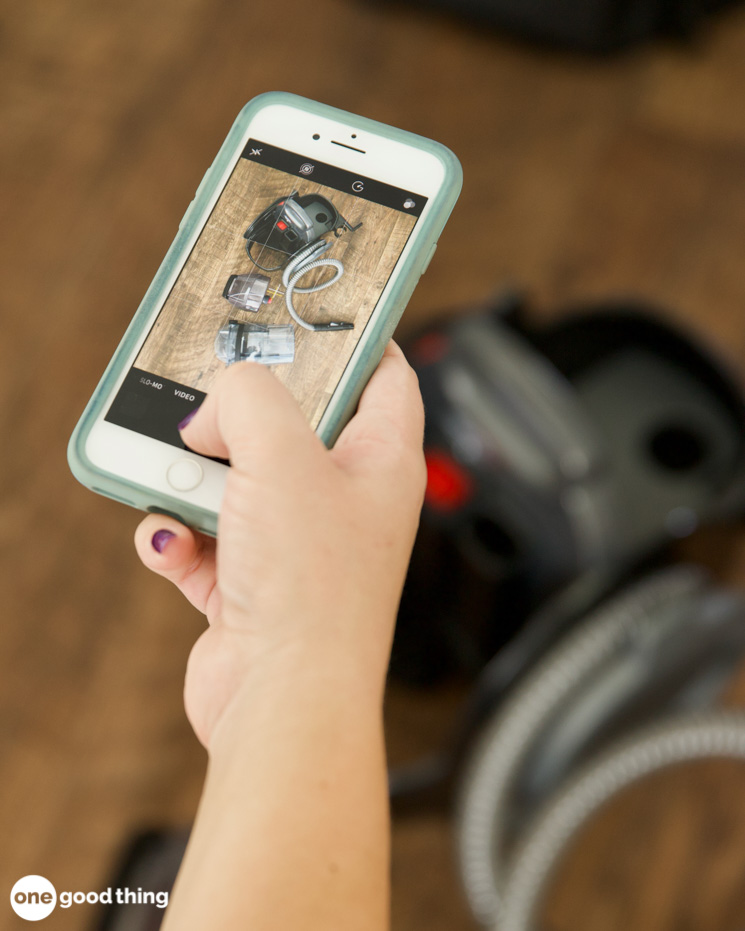
8. Make Repairs Quick & Easy
Keep your phone nearby whenever you’re making minor repairs around the house. If you need to take something apart, snap a photo of it first to use as a reference when it’s time to put it back together!
More Ideas You'll Love

Tip submitted by Beth
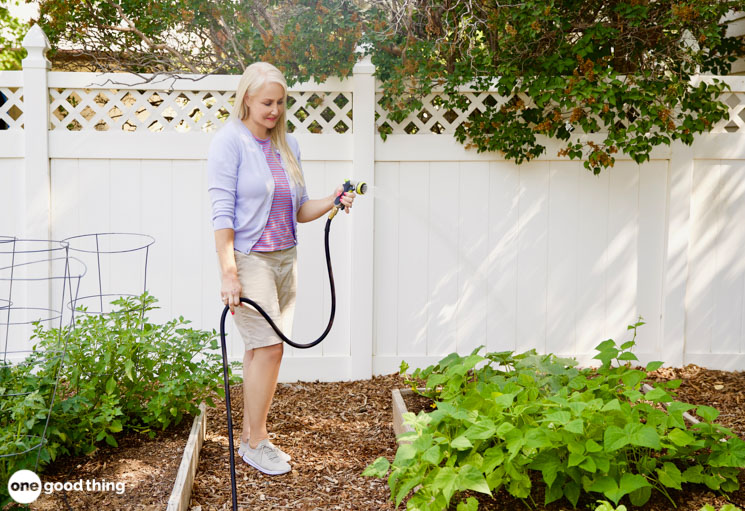
9. Keep Track Of Your Garden
Use your smartphone camera to keep a visual progress log for your garden! Just snap a photo of your garden about once a week throughout the gardening season.
When you’re ready to start planning next year’s garden, you can use your progress photos to make important decisions. The photos will show if you should plant something earlier, start something later, or move a certain plant into a different area!
Tip submitted by Michele
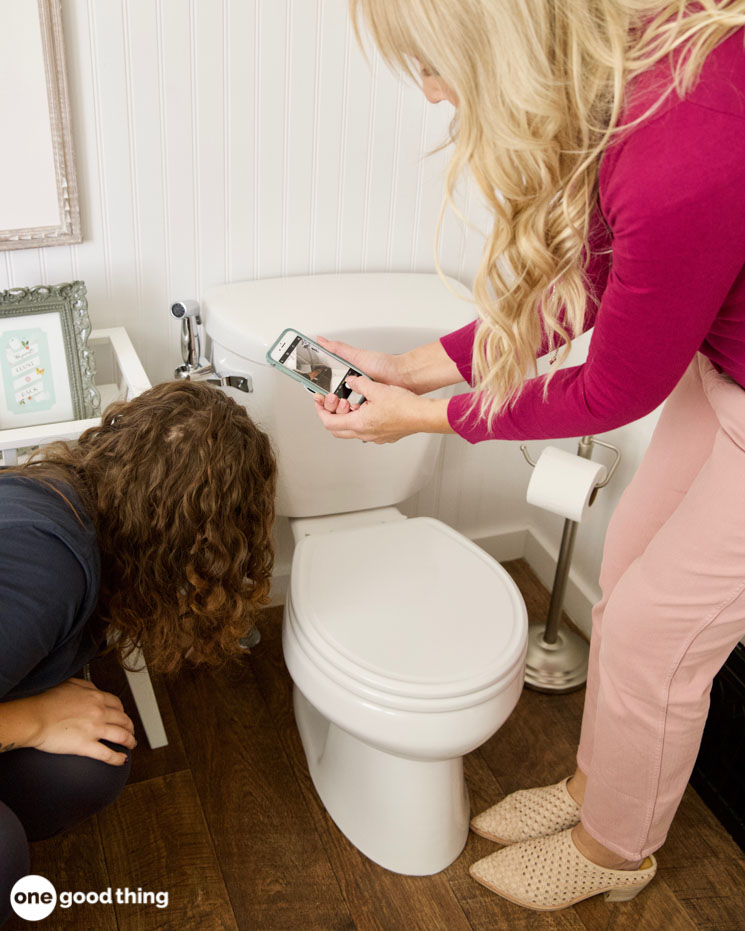
10. Make Your Own Tutorial Videos
Having someone show you how to do something is a great way to learn a new skill, especially if you’re a visual learner like I am! But unless you have perfect recall, it can be hard to remember every detail of their demonstration.
Next time someone shows you how to do something, like how to relight the pilot light or how to use a certain feature on your TV, record a video of it! Then you’ll be able to watch it again whenever you need it!
Tip submitted by Candy
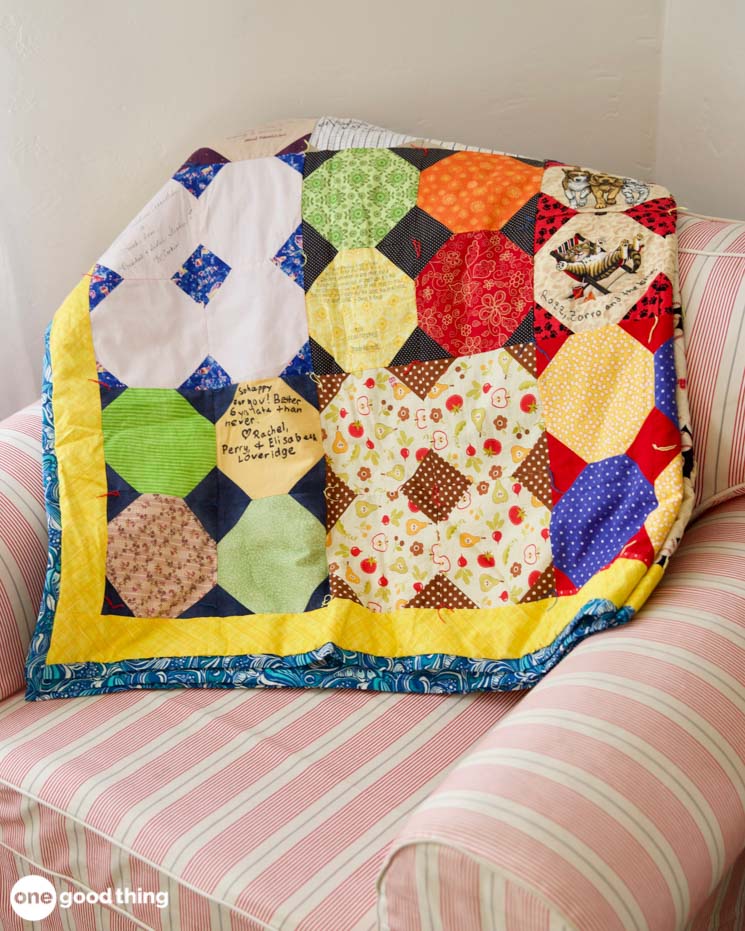
11. Quicker Quilting
You can use your smartphone’s camera to take the guesswork out of arranging your quilt pieces! Before you start sewing, lay out your pieces in whatever order you like best.
Then just snap a picture of the pieces, and use it as a reference as you start sewing. You’ll know for certain which piece comes next, rather than having to guess!
Tip submitted by Peggy
What’s the most useful way that you use your smartphone camera?




When I decorate for different seasons,say Christmas or St. Patricks Day..fall decorating etc. I take pictures on my phone of where I put everything so the next year I’m not like”now where did I put this?”You can always change things around but I find it SO much easier to know where the things go!
Please log in or create a free account to comment.Often an appliance’s model number or serial number is hidden in a very awkward spot. Sometimes it is in a dimly lit area, or it’s in very small print. In each case, I snap a photo of it.
Since you can now copy text from a photo, I often copy it to a text file or an iPhone app for a record. If I still have the receipt, I also add the purchase date and warranty information, in case I need them later.
Please log in or create a free account to comment.Regarding #8 This is especially helpful if you are a diy’er like me. When I disassembled our wall oven control to send it off for repair, I first took 3 or 4 good pictures of the color coded wiring on the control board, of which there were 8 or 9 spade terminals in a row that could quite easily have been cross wired. This is also what you need to do with anything that has numerous wires or plugs that need moving or removal for repair. It will save you a lot of headaches. Oh, and possibly a call to the local fire department.
Please log in or create a free account to comment.Yes we do that with the computer plugs in case we need to have it fixed we know how to put back everything!
Please log in or create a free account to comment.Also our local grocery had a terrible app. They would advertise an item or coupon then it wouldn’t come off at the register. I screen shot the ad, with item and expiration date to show customer service the next day rather than go back that day to the store.
Please log in or create a free account to comment.When ANYONE we don’t know knocks on the door, I snap a picture and am obvious about doing it. We get many solicitations and it significantly changes their attitude. Yes, many people have door cams, but they will not capture full face if wearing a cap.
Use the phone camera in the grocery when I see an item I want to try or that is on my list but not purchasing now. Also for the ingredients in items I’ve liked but want to make healthier versions (for example without corn syrup)
Please log in or create a free account to comment.I use my phone camera to take pictures of my insurance cards back and front and my driver’s license. I also keep my husbands info too. This makes it easy if you need to submit your info online. There are ways to keep this info safe and private on your phone.
Please log in or create a free account to comment.Also a good idea to take pics of your license plates and the vin numbers of your vehicles.
Please log in or create a free account to comment.One other tip is when you’re moving your TV around, take a photo of how and where all the cables are plugged in on the back.
Please log in or create a free account to comment.Things I take photos of… the Lab hours at my doctor’s office. They’re on a different schedule.
Please log in or create a free account to comment.The vehicle ID plate inside the drivers door with the VIN number.
My shopping list because I invariably forget it on the counter.
When I try a new product and like it, I take a photo of the label so I’ll remember what brand I purchased when I shop.
Sales receipts that I need to keep and are printed on the type of thermal paper that fades.
I use my smart phone camera for reading fine or difficult to read print. I snap a picture then zoom in!
Please log in or create a free account to comment.When I’m putting something away that’s location I’m afraid I might forget I take a picture and save it in a folder marked, “Lost & Found”. It has saved me a number of times!
Please log in or create a free account to comment.Great ideas.
Please log in or create a free account to comment.I use my phone to capture screen shots of online shopping receipts, websites info, dinner recipes, etc., I have special albums/folders where I keep them; and can find them easily or delete them when no longer needed. I also use my camera to capture the small print on things… and just spread to magnify for easier reading.
Hope this helps. I love your blogs and all the information you provide. thank you for all your hard work. – Lucy
Love these hacks! Especially inventorying craft supplies, not to mention projects for which you’re accumulating the supplies. That’s a big job. My tip today, is for iPhone users. Put things you need to remember in Notes and take a picture with it. Such as the size furnace filter you need, or important vehicle information. So handy!
Please log in or create a free account to comment.I take screenshots of my insurance card incase I need it in a dead zone. I also take pictures of recipes that friends and family give me so I don’t have to write it down. I have an album of recipes and one for important screenshots.
Please log in or create a free account to comment.I take screenshots of reference numbers of forms I filled out so I have it incase the paper copy gets lost or if my printer is out of ink or paper.
Please log in or create a free account to comment.If you are a knitter or crocheter, there is a website called Ravelry that you can post all your “stash” for reference…so take those pics and put in a little info on the product like yardage, color, & dyelot, download the photo and you always have your stash with you!
Please log in or create a free account to comment.I am a travel Agent & I always advise clients to take a picture of their passport, Visa, photo Id when traveling. If it gets lost, stolen or damaged, it’s much easier to get assistance with a color copy
Please log in or create a free account to comment.Always photograph your room number in a hotel when you check in! :D
Please log in or create a free account to comment.I keep a picture of the type of battery my car key uses so I don’t have to pry it open in the store to know what I need to buy. Also photos of prescription labels on your phone make it easy to keep track of meds, dosage, doctor and pharmacy numbers.
Please log in or create a free account to comment.Take a picture of your passport (photo and info page) when you travel. If you are travelling with someone else, take a photo of theirs too. At least you have all of the info should your passport be stolen.
Please log in or create a free account to comment.And also take a photo of your itinerary!
Please log in or create a free account to comment.Take a picture of your kids when you are out for the day especially if there is a crowd. If they get lost, you can show their photo.
Take a pic of the outside of luggage too. And for Pete’s sake, add something distinctive to plain black bags!
I recommend a database program like My Stuff Pro if you have a decent amount of craft supplies. I’d have way too many photos to look through if I didn’t have a way to search them!
Please log in or create a free account to comment.Take photo of back of modem/router to provide password to guests.
Please log in or create a free account to comment.Not sure if this was mentioned in earlier posts, but I usually take pictures of how I decorated for the holidays. When I take out my decorations for the next year, it makes it easier to see how I used/placed things. Even if you are going to be painting a room, take pictures of where you had pictures placed if you want to put them back in the same place.
Please log in or create a free account to comment.That was my tip! So much easier for the next time, right?
Please log in or create a free account to comment.I loved all of your ideas about using our cell phones , we are always taking pictures of our grandchildren why nog use it for something else , thanks ,
Please log in or create a free account to comment.Would love the ‘recipe’ for toilet bowl cleaner. Lost the information
Please log in or create a free account to comment.Take pictures of your back with the timer, to check the hairstyle and clothing.
Please log in or create a free account to comment.Take detailed pics of your rental car BEFORE leaving their parking lot to prove you didn’t cause damage that was already there!
Please log in or create a free account to comment.After lending many things to people and never getting them back, I take of photo of the borrower holding the item they are borrowing. Then I keep that in the “Things I Lent Out” folder. It saves a lot of “Did someone borrow xyz?” posts on Facebook.
Please log in or create a free account to comment.If I happen to see an infomercial and an item looks tempting, i take a picture of the TV screen instead of making an impulse buy.
Please log in or create a free account to comment.Ever get to a parking meter that you had to punch in your License plate number? I have a picture of my plate in my phone.
Please log in or create a free account to comment.Also take pictures of any appliance sticker with model and make numbers – I can’t read them even with my reading glasses but can when I take a picture and blow it up.
Screen shots of online recipes, haircut styles to show my hairdresser, pictures of paint can info (I store these on my computer), etc.
I have very poor vision so I often use my camera as a magnifying tool to bring what I am looking at closer so I can see it easier. This works fantastic when you are trying to see what everyone else is seeing that you can’t get closer to. (Like at the zoo or a museum or out a car window!) I used to miss so much interaction with others because I had no clear picture of what they were talking about! I don’t even always take a picture but I can be part of the experience.
Please log in or create a free account to comment.For those who have friends or family who are either blind or low vision, check out the app “Be My Eyes”. This FREE app is genius! It allows the blind/low vision person to obtain help through the smartphone camera from individuals who have volunteered to help. The app is exceptionally easy to use. Help comes literally within seconds. It promotes independence for daily tasks. Examples: reading a recipe, setting controls on an oven or washing machine, determining which blouse is navy and which is black, finding a lost item on the floor. Private information is not to be shown to volunteer.
Please log in or create a free account to comment.My family often makes returns to stores for me. They send me a picture of the receipt to make sure I get credit for it. Just recently it came in handy when there was a dispute on my charge card bill.
Please log in or create a free account to comment.Here’s another good one to share with your readers. I have always written the model number and serial number of all of my appliances (or anything with a model number & serial number) in their User Manuals and now I also take a picture of them and store them on my computer as well. Very handy when you need to call the company or repair man.
Please log in or create a free account to comment.I photo the electricity control panel because it’s usually high up and the identification wording for the switches is difficult to read. Also meter readings when moving house.
Please log in or create a free account to comment.Useful guide to show the layout for the way power drills and screwdivers etc fit into their storage cases.
Take pictures of all your valuables such as jewelry and art or anything you schedule on your insurance. You can then make a collage and put a copy in your safe along with the pictures on your phone.
Please log in or create a free account to comment.I keep copies of my health insurance card, driver’s license and automobile VIN. I send them to myself in an email and file it for easy searching later.
Please log in or create a free account to comment.Really helpful post
Please log in or create a free account to comment.We also like to take pics of:
*our baggage tags when traveling
*Odometer readings for business mileage
*contents of drawers
*decor inspirations when out and about
Just turned 50 and my eyesight is t the best. Especially in restaurants where the lighting is dim. I use to use my phones flashlight to see the menu. Now I snap a picture and can zoom in on it. Works great and less distracting to others. I have also used camera to take pics of my kids sports rosters with kids jersey numbers. I would forget to bring or font was too small. This way I always had it on me :)
Please log in or create a free account to comment.Great idea, Tracy! :-)
Please log in or create a free account to comment.I’ve taken a picture of all of the contents of both my wallet and my husbands; printed and kept in safe place at home. Deleting the picture afterwards of course. When a wallet gets lost I have all of the contents for the beginning of all those phone calls!
Thanks Jillee. Love your webpage! Thank you for sharing with us all. I never comment on things. But you articles are so helpful.
Very good, Love the one for renters.
Please log in or create a free account to comment.Not sur ed cwvhy model numbers et al are printed in tiny fonts and stuck in unreadable places but they are so I poke my phone in their and take a picture which i store in my notes folder on my phone.
Please log in or create a free account to comment.yeh, they’re always black on black, too – ugh!
Please log in or create a free account to comment.