2 Comments
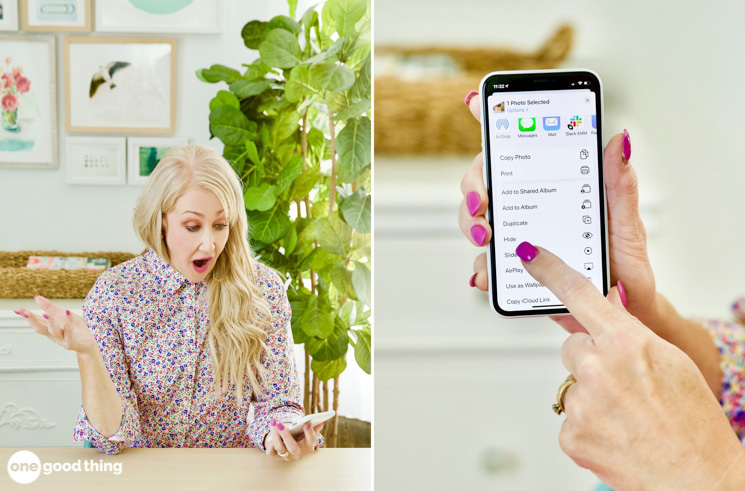
Just when I think I know everything there is to know about my phone, I learn another tip or trick that proves me wrong! And with as much as I rely on my phone throughout the day, discovering new features not only saves me time and frustration, it often makes my life a little bit easier too!
But since I can’t keep a good tip to myself, I tuck away all the clever iPhone hacks and tips I learn so that someday, I can share them with you here on my blog! And that someday is today, because I’ve collected a fresh bunch of 9 useful tips that will help you make the most of your iPhone!
(If you missed any of my previous installments of iPhone hacks and smartphone tips and want to revisit them, I’ve provided a list of links to them at the bottom of this post!)
9 More Brilliant iPhone Hacks
1. Homework Help
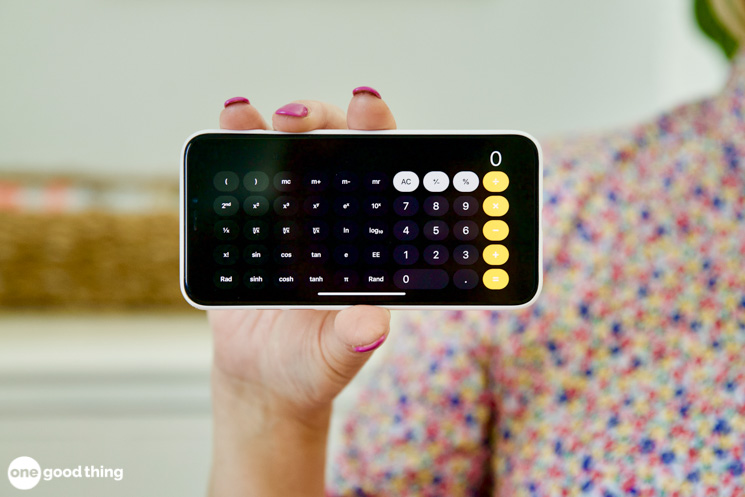
The calculator app is already useful for calculating tips and splitting up costs, but it can also come in handy for solving more complicated equations too! With the calculator app open, hold your phone in landscape mode to reveal additional buttons and functions that aren’t visible in portrait mode.
Now you won’t have to go digging for your old graphing calculator every time you want to help your kids or grandkids with their math homework. :-)
2. Hide Photos
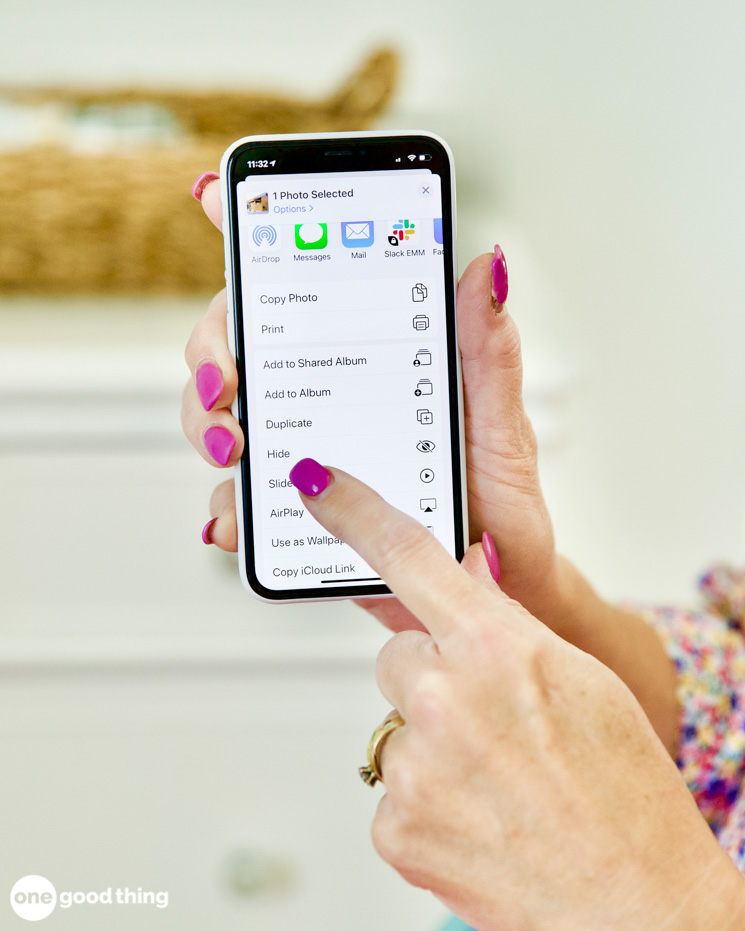
We all hand our phones over to friend or family when we have a photo or video we want them to see, but it can be little nerve-racking if your photo library also contains private photos or screenshots of sensitive information! For a quick fix to this problem, start utilizing the Hidden album within your photo library. Simply scroll to a photo you want to hide, tap the three dots in the upper right corner, then select Hide.
The photo will disappear from all folders and locations within your library, but will remain safely tucked away in your Hidden folder (which you can access via the Albums tab under the Other Albums header.) Thanks to this handy feature, you can hand over your phone without worrying about accidental photo swipe mishaps.
3. Fix Your Sleep Schedule
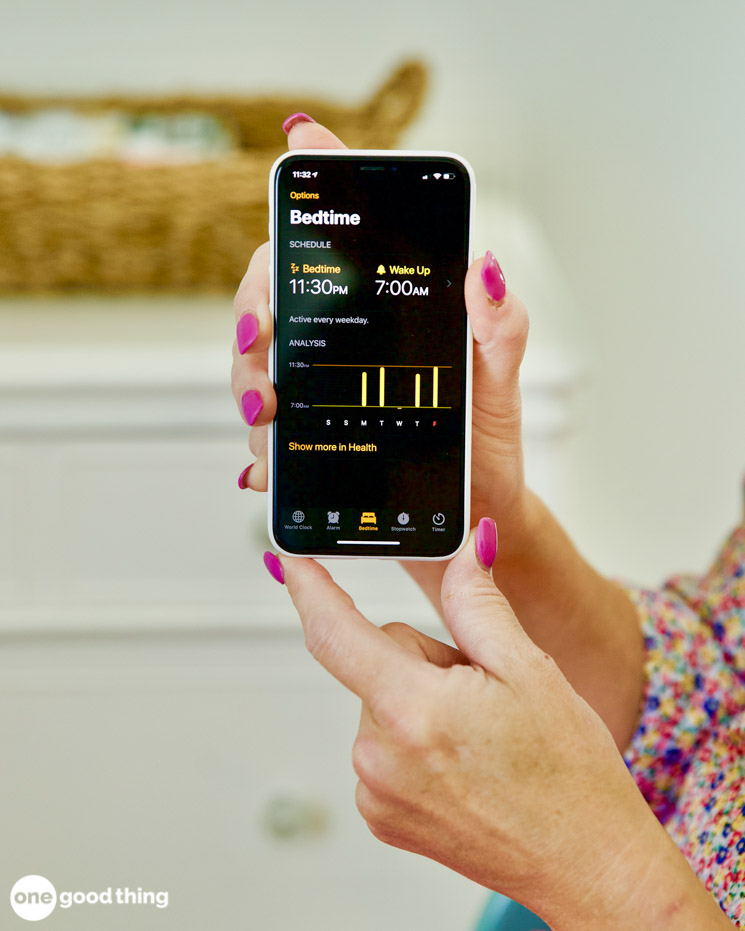
Could you use some help setting and sticking to a normal sleep schedule? There’s a handy feature in the Health app called Sleep that is designed to do just that!
Just open the Health app, tap on “Show All Health Data”, and select “Sleep” to get started. Scroll down to Your Schedule and select Full Schedule & Options. You’ll tell the app when you want to wake up, when you’d like to go to bed, what type of alarm you want to wake up to, and which days of the week you want to follow your new schedule. You can also set a wind down time, sleep goal, and reminders.
Once it’s up and running, your phone will notify you when it’s time for bed and automatically enable the Do Not Disturb function for you. And over time, it will also let you know how well you’re doing at hitting your sleep targets.
4. Flash Notifications
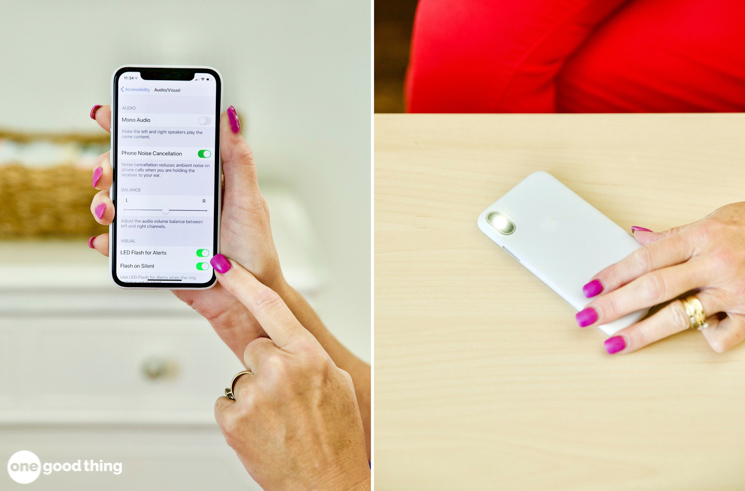
There are now more options than ever for choosing how to receive notifications from your iPhone. In addition to the standard options of audio alerts and vibrating notifications, you also have the option to receive visual notifications in the form of an LED flash from your phone’s light.
To use flash notifications, go to Settings > Accessibility > Hearing > Audio & Visual. At the bottom you’ll find LED Flash for Alerts — toggle the switch to turn it on.

5. Pump Up The Volume
Want to play some music, but the volume from your iPhone’s speakers just isn’t cutting it? Go to Settings > Apps > Music > and turn off the Sound Check toggle.
6. Fine Tune Your Flashlight
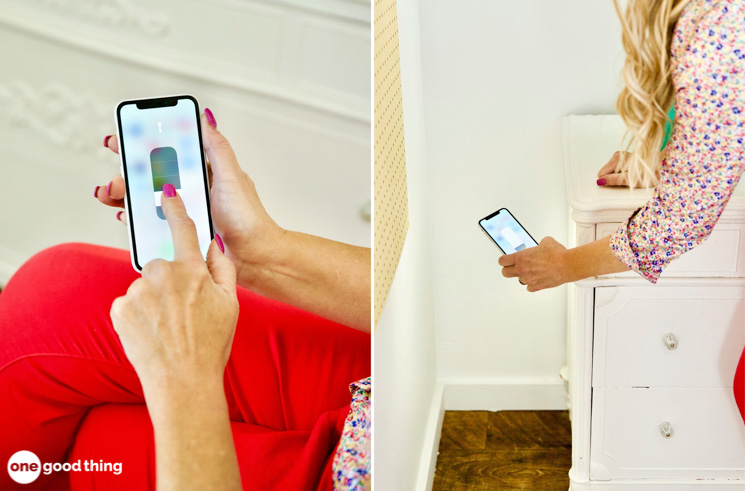
You probably already know you can use your phone as a flashlight by swiping up and tapping the flashlight icon. But you may not know that the brightness of the flashlight function is fully adjustable!
More Ideas You'll Love

After you tap the flashlight icon, it will show a flashlight that is a brightness slider. Simply move your finger up and down the flashlight icon to adjust the brightness. I frequently use my phone’s flashlight to navigate around my bedroom during the night, and I’m so happy to have learned how to dim the flashlight to avoid blinding myself!
7. Close Multiple Apps
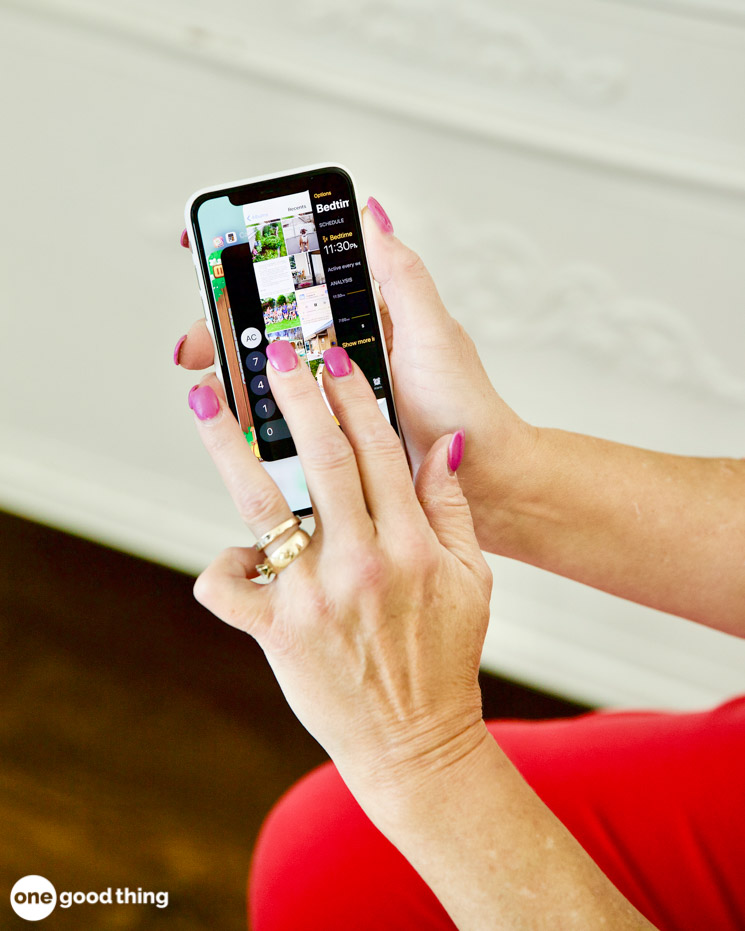
To close apps you aren’t currently using, access the App Switcher by swiping up and then swiping up on the apps you want to close. (On older iPhones you may have to double click the home button.)
But if you have a lot of apps open that you want to close, that can be a lot of swiping! You can make the process faster by using multiple fingers to swipe up on several different apps to close them all at the same time.
8. App Finder
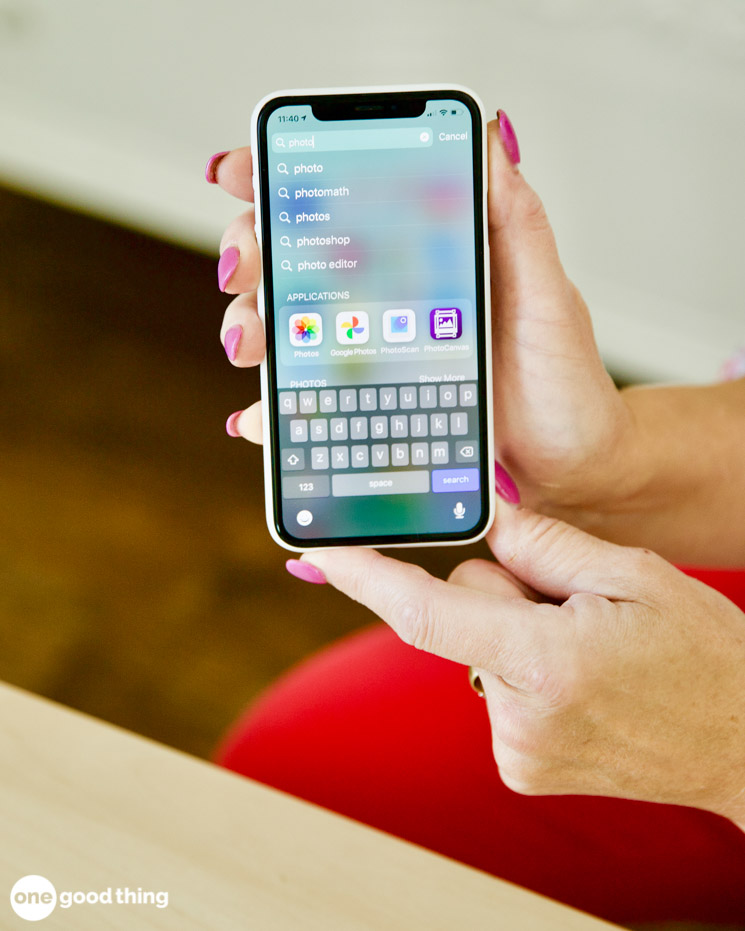
If you have a lot of apps on your phone or use a lot of different folders to keep them organized, it can sometimes take a while to find the app you’re looking for! If you’re in a hurry and you need that app now (say, to Shazam a song that’s about to end) using the search function can be a lifesaver.
On the first page of your home screen, find the search bar near the bottom. Start typing in the app name, and it will pop right up! (You can also use this search bar to find contacts, messages, emails, and more.) If you only need to find an app, there’s a dedicated app search on the last page of your home screen – just swipe to the end.
9. Custom Emoji Shortcuts
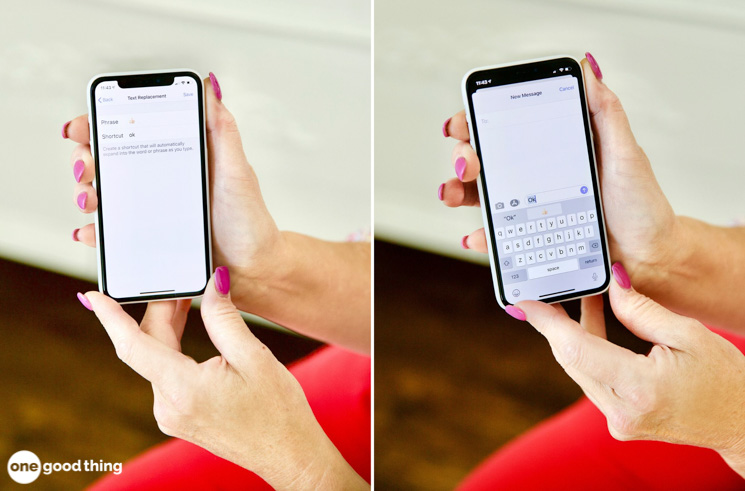
One of the recent iOS updates introduced emoji suggestions to the keyboard experience, where it suggests emojis to use based on the text you’re writing. But if Apple’s emoji choices just aren’t reflective of your own unique emoji language, you can set up your own custom emoji shortcuts!
To create one, go to Settings > General > Keyboard > Text Replacement. Enter the emoji(s) into the “Phrase” field, and set a trigger word into “Shortcut” field. (For example, you could type “ugh” to trigger the eye-rolling emoji, etc.)
Want Even More Smartphone Hacks?
- For even more clever hacks that will make your smartphone more useful and easier to use, check out the other posts in the “iPhone Hacks” series!
- Click here to explore the “iPhone Hacks” series archive.
Do you know any clever iPhone hacks that aren’t mentioned here?
More Ideas You'll Love